Steal an Latamrot Controls
PC, phone, and tablet bindings for grab, lock, shop, and chase.
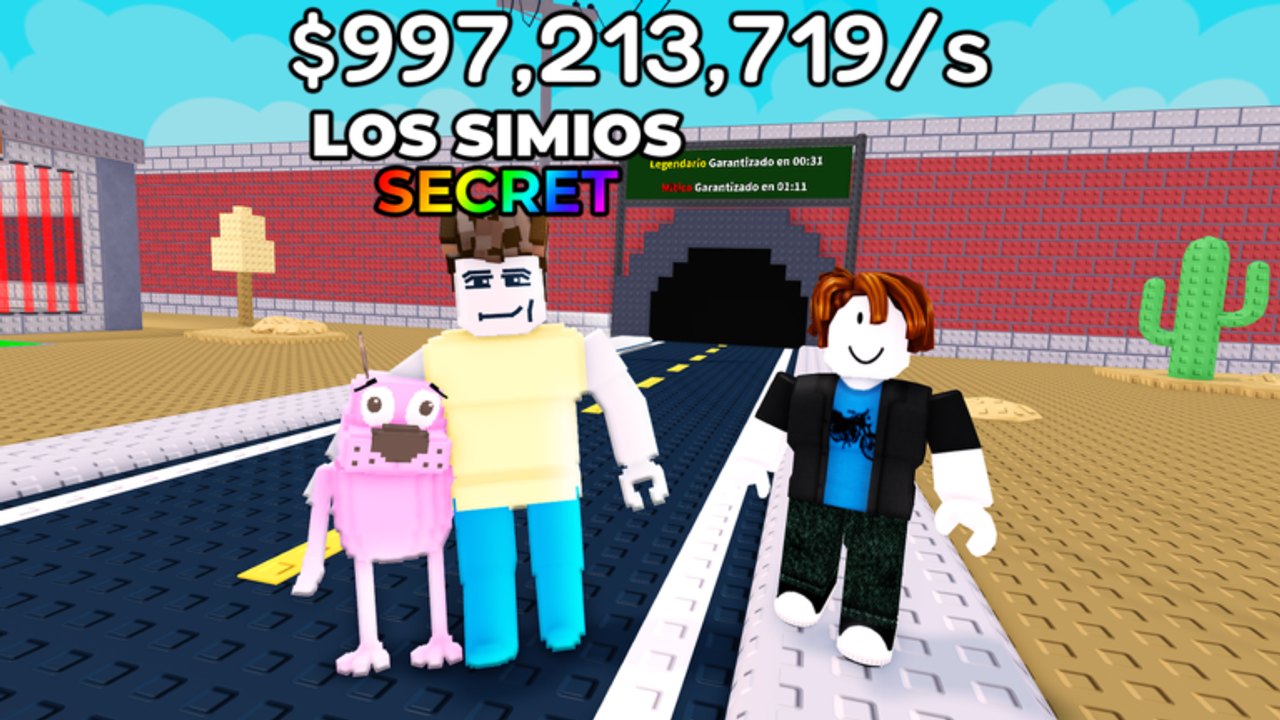
Steal an Latamrot does not ship a unique fighting-game input list. It ships a Roblox character, a grab prompt, and a floor pad. Missing those three is how people swear stealing is “broken.” This page is the device cheat sheet that Getting Started and how to play both point at.
PC / keyboard
| Action | Input |
|---|---|
| Move | WASD or arrow keys |
| Sprint | Shift on copies that cloned stamina / coils |
| Jump | Space |
| Grab / steal / buy | E when the prompt shows on a latamrot |
| Open HUD buttons | Left-click Codes, Shop, Rebirth, Index |
| Lock base | Walk onto the glowing pad (no key) |
| Collect cash | Touch the collector or click it if the copy uses a prompt |
| Camera | Right mouse |
| Drop / release | E again or the on-screen drop on some remakes |
The important one: grab is E, not click, on most PC copies. Clicking selects shop listings. If you are mashing the unit model and nothing happens, look for the E prompt. If there is no prompt, you are too far, the base is locked, or you already carry something.
Mobile / tablet
The original description joked that a cracked phone and a TikTok tablet both work. They do.
| Action | Input |
|---|---|
| Move | On-screen joystick |
| Jump | Jump button |
| Grab / steal | Tap the latamrot |
| Lock | Walk onto the pad |
| Menus | HUD icons on the left or right stack |
Thumb covers the grab target during a raid. Practice tapping the slot, not the owner. If the jump button eats your steal, use a claw grip or a cheap clip-on. Coils from gear help more than a new skin.
Console
Copies that allow console follow Roblox’s default: left stick move, A/X jump, interact on the platform’s Use button. If interact does nothing, the clone never bound it — join on PC or mobile. We do not list fake controller maps for maps we have not seen.
Lock pad (all devices)
There is no “L to lock” key. You physically stand on the circle. If you cannot find it, look for the yellow / gold ring near the collector. After rebirth adds floors, some pads stay on floor one — run downstairs to lock or you will lose the upstairs secret. How to protect is the habit; this page is just the input.
Shop, codes, rebirth
Those are GUI clicks, not world prompts.
- Shop: bats, slaps, coils, troll gear. See gear tier list.
- Codes: only if the clone added the button. How to redeem shows left-stack vs shop footer.
- Rebirth: left stack. Read requirements before you confirm. Rebirth guide.
On touch, GUI buttons sit on top of the joystick. A missed rebirth confirm is annoying; a missed lock because a shop ate your thumb is a lost Los Simios. Close menus before you raid.
Combat inputs
Bat and slap are click / tap on the other player, or auto-swing on some copies when you have the tool equipped. You cannot swing while a carry disables gear — that is why how to steal tells you not to fistfight mid-carry. Equip the bat before you expect a chase, not after the alert.
Accessibility / lag
Eight-player servers are small but the carpet still spikes. Lower graphics if the E prompt delays. Shift-lock (PC) helps line up doorway grabs. Mobile players should disable extra touch UI from other Roblox experiences. None of this is unique to LATAM copies; the cactus map plus eight coils is just busy.
If a control is missing, you probably joined a broken remake. Links and Getting Started are the hop. If the control works but you still lose units, that is the pad, not the keybind — go back to how to protect.
Frequently Asked Questions
Quick answers for Steal an Latamrot on Roblox.
What key steals a latamrot on PC?
E when the prompt appears. Clicking is for shop listings. Full loop: how to steal.
How do I lock my base?
Walk onto the glowing pad. There is no lock key. Habits: how to protect.
Does mobile use a different steal button?
Tap the unit. No E key. Practice on a cheap carpet buy before you raid a secret.
Why can’t I swing my bat while stealing?
Carries disable gear on standard copies. Drop or slot the unit first. See how to play.